

About the event
-
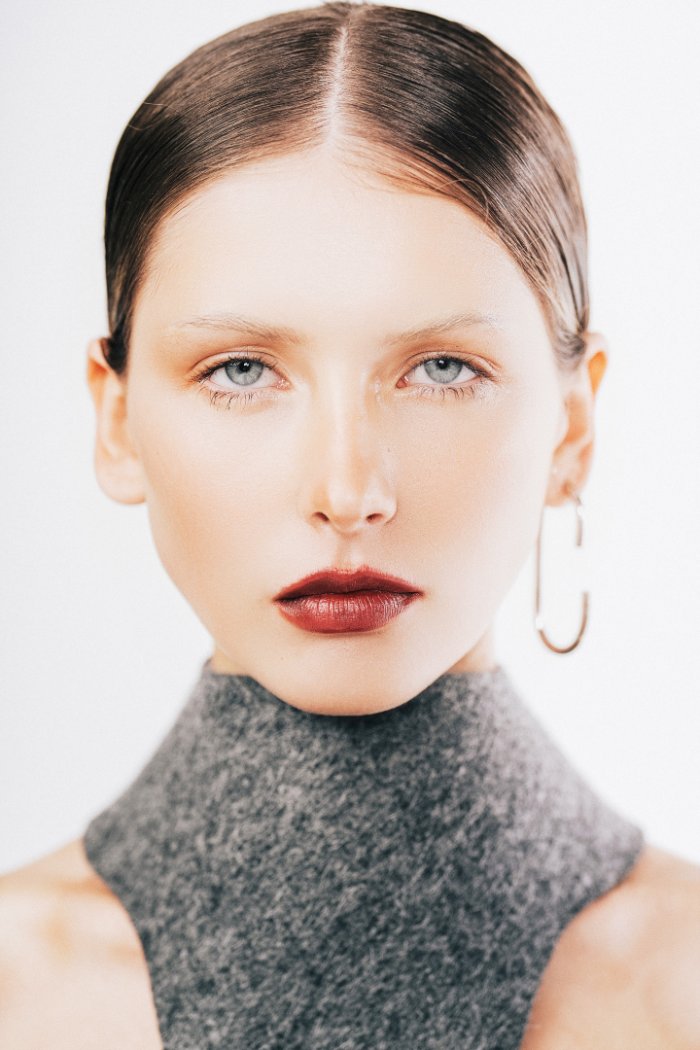
Are you spending hours manually clicking away blemishes, fixing flyaway hairs, and dodging skin patches until your eyes hurt? In this free interactive online workshop, we will provide a beginner-friendly introduction to supercharging your portrait retouching workflow using next-generation tools without sacrificing natural skin textures.
We will walk you through the basics of turning flat RAW files into clean, polished portraits in seconds. You will learn how to automate blemish removal, achieve natural skin tone, gently refine facial contours, clean up stray hairs, and apply consistent edits across an entire photoshoot.
Ever missed the exposure on location or walked away with dark, backlit "ruined" shots? We will also cover how to rescue underexposed frames and tricky lighting disasters using AI relighting and dynamic range recovery tools—bringing shadow details, facial highlights, and vibrant skin colors back to life without introducing ugly digital noise. Say goodbye to plastic skin filters and endless manual brushing, and reclaim hours of your time.
Techniques covered
- Skin & Texture Basics: Automatically removing acne, dark circles, and wrinkles with simple slider adjustments while preserving authentic skin pores and micro-textures without plastic blur.
- Facial & Body Adjustments Made Easy: Utilizing smart facial recognition to refine jawlines, adjust head shapes, and brighten eyes and teeth naturally across diverse lighting angles.
- Batch Workflow & Consistency: Synchronizing basic AI retouching settings across multiple photos in seconds to achieve uniform skin tones and consistent lighting across a full shoot.
What to bring
- Laptop or desktop computer with a stable internet connection
- Free trial of an retouching software installed
- A notebook or note-taking app for workflow shortcuts
- Your most common retouching questions for the open Q&A


Other events you may like
See all

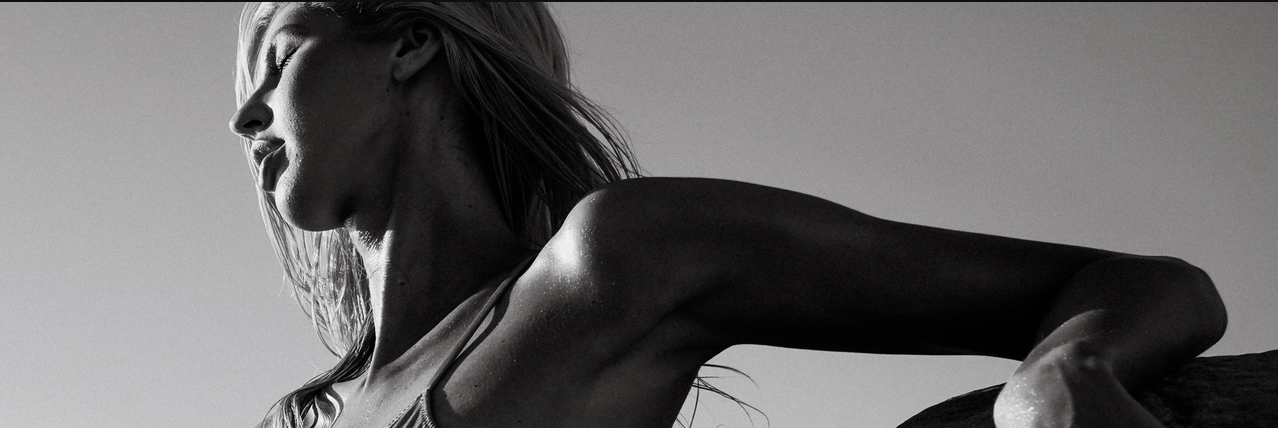
Classic B&W Hollywood — Timeless Portrait Photography

The Swordswoman — A Cinematic Chinese Portrait Workshop
