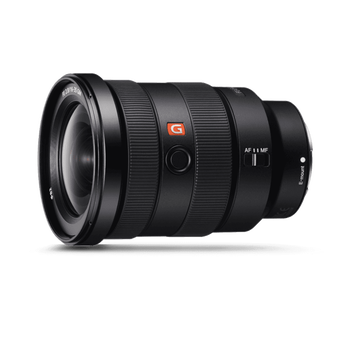
Explore Sony’s Digital Imaging line-up, an ever-expanding range of cameras, lenses and accessories that have been developed to meet a diverse range of creative needs and technical requirements.
Explore Sony’s Digital Imaging line-up, an ever-expanding range of cameras, lenses and accessories that have been developed to meet a diverse range of creative needs and technical requirements.
Watch as Tim takes you through a variety of adjustments to images. Photoshop opens up a world of creative possibilities, especially when you start experimenting with tools like Warp, Colour Adjustment, and Stretching. The Warp tool lets you bend, twist, and reshape images with precision—perfect for subtly refining a portrait or completely transforming an object’s form.
Colour adjustments take the magic even further, allowing you to shift moods and atmospheres by tweaking tones, hues, and saturation—turning a dull sky electric blue or giving skin tones a warm, cinematic glow.
Stretching can alter proportions and perspectives, whether to dramatize a landscape, elongate a figure for artistic flair, or correct lens distortion. Together, these tools transform Photoshop from a photo editor into a digital sculpting and painting studio, where reality can be gently improved—or wildly reinvented.
Purchase a ticket between 27 July - 31 August for a chance to take your SceneScape experience to the next level with a 5-star hotel stay plus dinner for two!
Already purchased a ticket between 27 July and 19 August 2026? You’re automatically entered into the draw.
And the more tickets you have, the more chances you have to win — so invite a friend to SceneScape and make a weekend of it!