

AU NZ

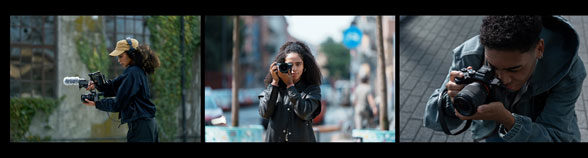
Events, photo walks, talks from the masters, in-depth workshops. Expand your horizons with one of our many events across Australia.

Explore Sony’s Digital Imaging line-up, an ever-expanding range of cameras, lenses and accessories that have been developed to meet a diverse range of creative needs and technical requirements.

Events, photo walks, talks from the masters, in-depth workshops. Expand your horizons with one of our many events across Australia.

Explore Sony’s Digital Imaging line-up, an ever-expanding range of cameras, lenses and accessories that have been developed to meet a diverse range of creative needs and technical requirements.

AU NZ
A complete end-to-end Lightroom Classic masterclass over 8 sessions!

About the event

Welcome to the Lightroom Classic editing masterclass you've been looking for!

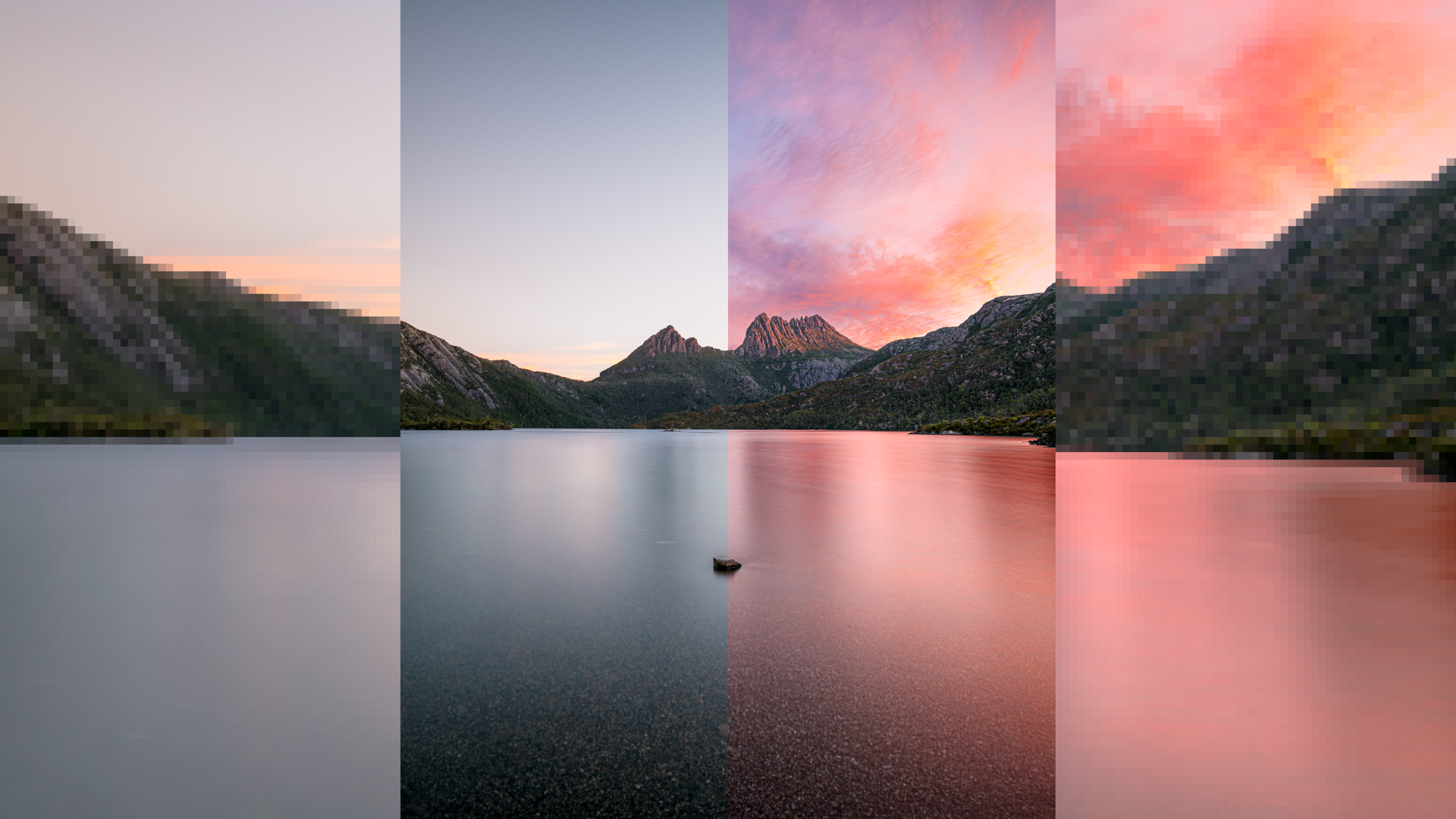
Join Sony Digital Imaging Advocate Andrew J Clarke for this online editing masterclass, where you will learn everything you need to know to become an editing expert in Lightroom Classic: from importing and organising your images, to basic RAW editing, to image stacking and compositing in Photoshop - and all from the comfort of your own home!

The course is split into 8 x 1 hour sessions running Tuesday and Thursday evenings from 18 Aug 2026 until 10 Sep 2026. *Please note the sessions start at 6:30pm AWST / 8:30pm AEST*

Each session covers unique topics and can be booked separately, so feel free to sign up for a single night or all 6 if you're looking to learn a complete end to end workflow.

Please review the complete program and syllabus below to make sure you're signing up for the right session(s)! Recordings of each session will be made available to those who attend.

#

Session

Time

Topics Covered

Participants

Cost

#1

Catalogues, image importing & workflow


Tue, 18 Aug 2026, 6:30pm (AWST) / 8:30pm (AEST)

  • Importing images and the RAW workflow
  • Using previews
  • Optimising Lightroom’s performance
  • Organisation, file renaming and collections
  • Understanding Lightroom’s module system
  • Filtering, reviewing and culling using the Library module
  • Follow along processing featured images

8-10

$29

#2

The Develop module and basic image corrections

Thu, 20 Aug 2026, 6:30pm (AWST) / 8:30pm (AEST)

  • Basic correction tools (colour balance, brightness, contrast, saturation)
  • Understanding the histogram
  • Understanding the tone curve
  • Removing dust and spots from your images
  • Follow along processing featured images

8-10

$29

#3

Core editing tools & techniques in Lightroom Classic [Part 1]


Tue, 25 Aug 2026, 6:30pm (AWST) / 8:30pm (AEST)

  • Core colour balancing tools and techniques
  • Basics of local adjustments and building masks
  • Subject removal tools in Lightroom Classic
  • Follow along processing featured images

8-10

$29

#4

Core editing tools & techniques in Lightroom Classic [Part 2]

Thu, 27 Aug 2026, 6:30pm (AWST) / 8:30pm (AEST)

  • Building/using complex masks in Lightroom
  • Managing noise and sharpness
  • Using the effects and transform tools
  • Syncing adjustments and creating your own presets

8-10

$29

#5

Advanced tools and functions in Lightroom Classic & Photoshop

Tue, 1 Sep 2026, 6:30pm (AWST) / 8:30pm (AEST)

  • Upscaling
  • Merging HDR & Panorama images in Lightroom
  • Integrating Photoshop into your Lightroom workflow, including advanced subject removal techniques and compositing
  • Follow along processing featured images

8-10

$29

#6

Astrophotography techniques & workflow

Thu, 3 Sep 2026, 6:30pm (AWST) / 8:30pm (AEST)

***NB: this is a 90min session***

  • Processing tools and tips for astrophotography images
  • Noise reduction through image stacking and dark frames using Sequator (free third party software)
  • Creating star trail images using StarStax (free third party software)
  • Advanced compositing techniques in Photoshop
  • Follow along processing featured images

8-10

$39


***NB: this is a 90min session**

#7

Finalising / exporting your images for digital sharing & print

Tue, 8 Sep 2026, 6:30pm (AWST) / 8:30pm (AEST)

  • Understanding file formats and their uses
  • Optimising your images for social media and web delivery
  • Optimising your images for printing
  • Setting up/using export presets
  • Setting up cloud backup for your finalised images

8-10

$29

#8

Course revision, image critique and Q&A session

Thu, 10 Sep 2026, 6:30pm (AWST) / 8:30pm (AEST)

  • Q&A session covering all parts of workflow + troubleshooting for common Lightroom issues

8-10

$29

Note: Although a lot of the topics discussed are transferrable to other software, this workshop series is specifically for those using "Lightroom Classic" and "Photoshop" on desktop (both MacOS and Windows). This course will not cover the use of other editing apps like "Lightroom" or "Lightroom Mobile" and is not suitable for those who edit exclusively on iPad or mobile.

You can purchase a subscription for Lightroom Classic and Adobe Photoshop either individually or as part of the "Photography Plan" here. A 7 day free trial is also available for new users wanting to try it out!

Techniques covered

  • Image importing & workflow 
  • The basics of image corrections in Lightroom 
  • Advanced image editing in Lightroom 
  • Expert image editing techniques in Lightroom and Photoshop 
  • Advanced astrophotography workflow 
  • Exporting and finalising your images 

What to bring

  • You will require access to Adobe Lightroom Classic to get the most from this workshop series. 
  • (Recommended) A second computer screen (or large tablet) so that you can have my content and your own Lightroom app open side-by-side. 
  • (Recommended) A microphone to partake in discussion is recommended, but not necessary. A webcam is entirely optional! 

Event FAQs (For general FAQs, please visit the Frequently Asked Questions page)

This is an online-only event, so wear whatever you want!
You will require access to Adobe Lightroom Classic to get the most from this workshop series. Although a lot of the topics discussed are transferrable to other software, this workshop series is specifically for those using "Lightroom Classic" and "Photoshop" on desktop (both MacOS and Windows). This course will not cover the use of other editing apps like "Lightroom" or "Lightroom Mobile" and is not suitable for those who edit exclusively on iPad or mobile.
Yes, feel free to contact Andrew at andrew@andrewjclarke.com.au (prefered) or 0431 262 360 (if urgent)
Tue 18 Aug 2026, 6:30PM - 7:30PM (UTC+8) Perth
Suitable for all levels
Event capacity: 8
A$29 per/person    Book now
Online meeting details will be emailed to you with the booking confirmation.
Thu 20 Aug 2026, 6:30PM - 8:30PM (UTC+8) Perth
Suitable for all levels
Event capacity: 8
A$29 per/person    Book now
Online meeting details will be emailed to you with the booking confirmation.
Tue 25 Aug 2026, 6:30PM - 8:30PM (UTC+8) Perth
Suitable for all levels
Event capacity: 8
A$29 per/person    Book now
Online meeting details will be emailed to you with the booking confirmation.
Thu 27 Aug 2026, 6:30PM - 8:30PM (UTC+8) Perth
Suitable for all levels
Event capacity: 8
A$29 per/person    Book now
Online meeting details will be emailed to you with the booking confirmation.
Tue 1 Sep 2026, 6:30PM - 8:30PM (UTC+8) Perth
Suitable for all levels
Event capacity: 8
A$29 per/person    Book now
Online meeting details will be emailed to you with the booking confirmation.
Thu 3 Sep 2026, 6:30PM - 8:00PM (UTC+8) Perth
Suitable for all levels
Event capacity: 8
A$39 per/person    Book now
Online meeting details will be emailed to you with the booking confirmation.
Tue 8 Sep 2026, 6:30PM - 8:30PM (UTC+8) Perth
Suitable for all levels
Event capacity: 8
A$29 per/person    Book now
Online meeting details will be emailed to you with the booking confirmation.
Thu 10 Sep 2026, 6:30PM - 8:30PM (UTC+8) Perth
Suitable for all levels
Event capacity: 8
A$29 per/person    Book now
Online meeting details will be emailed to you with the booking confirmation.

Advocate

Andrew Clarke

Andrew J Clarke is a multi-award winning commercial, landscape and travel photographer with a passion for the stunning Australian landscape. Andrew is also an a...

Read more

Andrew is fabulous. He is very clear and concise and shares wonderful nuggets of knowledge.”

Charlotte Carter, Lightroom Classic Editing Masterclass
Sugarloaf Startrails, WA
Drygalski Fjord, South Georgia

Andrew is an excellent educator with exceptional skills at simplifying the complex nuances embedded in Lightroom Classic ”

Victor Peddemors, Lightroom Classic Editing Masterclass